Full-screen guided rests
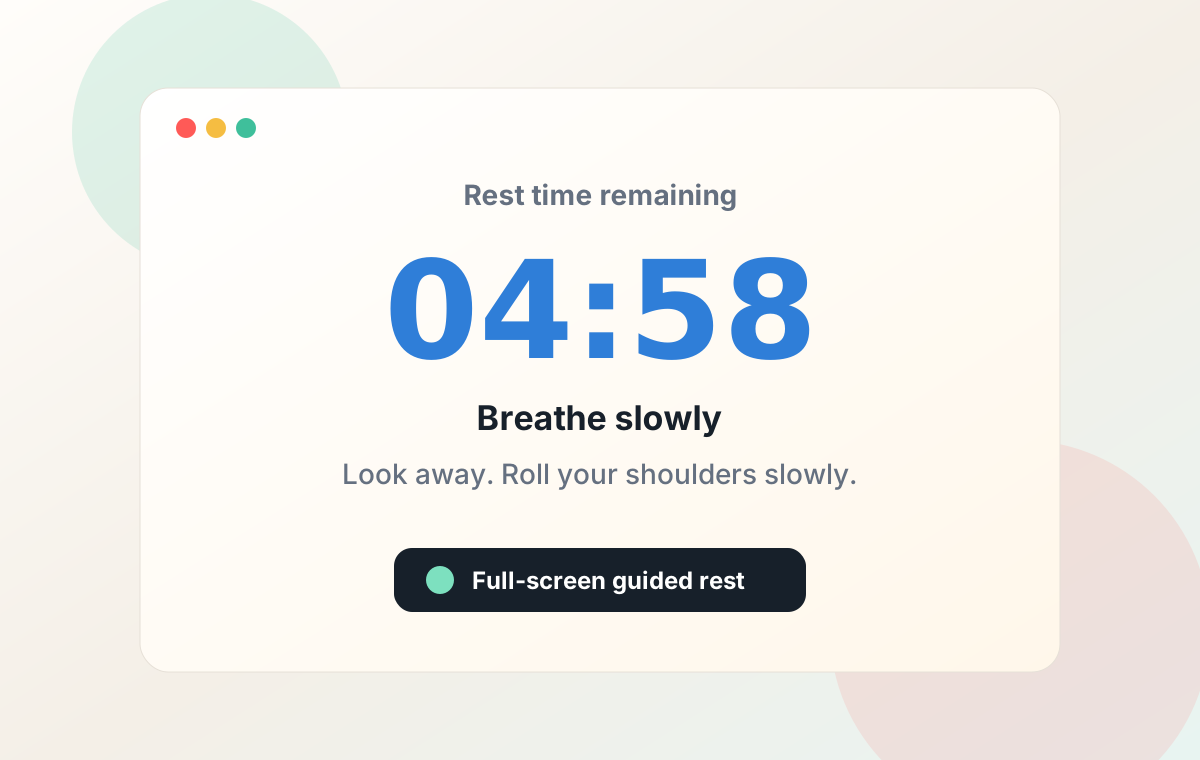
When it is time to pause, Screen Break opens a rest screen across your displays with a countdown, breathing rhythm, optional movement prompts, or a quiet transparent veil.
macOS break reminder
A gentle but firm macOS break reminder that helps you actually step away, now with custom rest backgrounds, action library choices, and an in-app feedback link.
Universal app for Apple Silicon and Intel. Requires macOS 13.0 or newer. First unlock password: 123456; change it from the menu bar after installing.
Next rest starts in
Breathe slowly. Stretch your neck and shoulders.
Why it works
Screen Break turns a good intention into a real pause, without pretending every interruption is helpful.
When it is time to pause, Screen Break opens a rest screen across your displays with a countdown, breathing rhythm, optional movement prompts, or a quiet transparent veil.
Choose the default animated background, your own wallpaper, or transparent veil mode. Pick rotating actions, no actions, or one fixed movement from the action library.
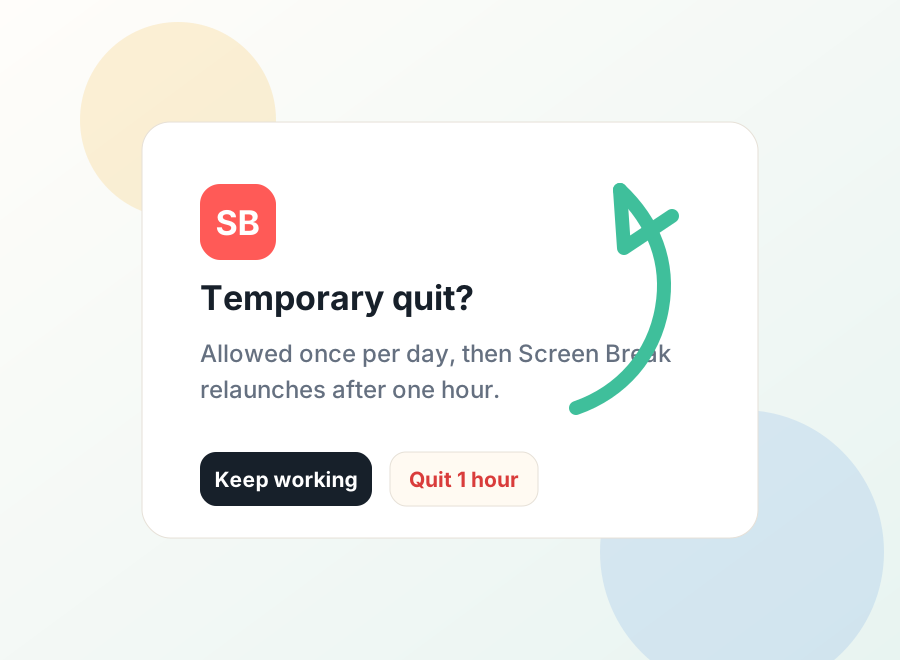
Restart work once per day, temporarily quit once per day, and use password unlock once per day. Enough control to live with, enough friction to make breaks happen.
The menu includes a Problem Feedback entry that opens the feedback page, so confusing moments and feature ideas have a clear place to go.
Preview
The current universal macOS zip is about 278 KB. Screen Break stays lightweight while still giving users a clear rest flow, configurable backgrounds, and flexible action prompts.
Built for daily use
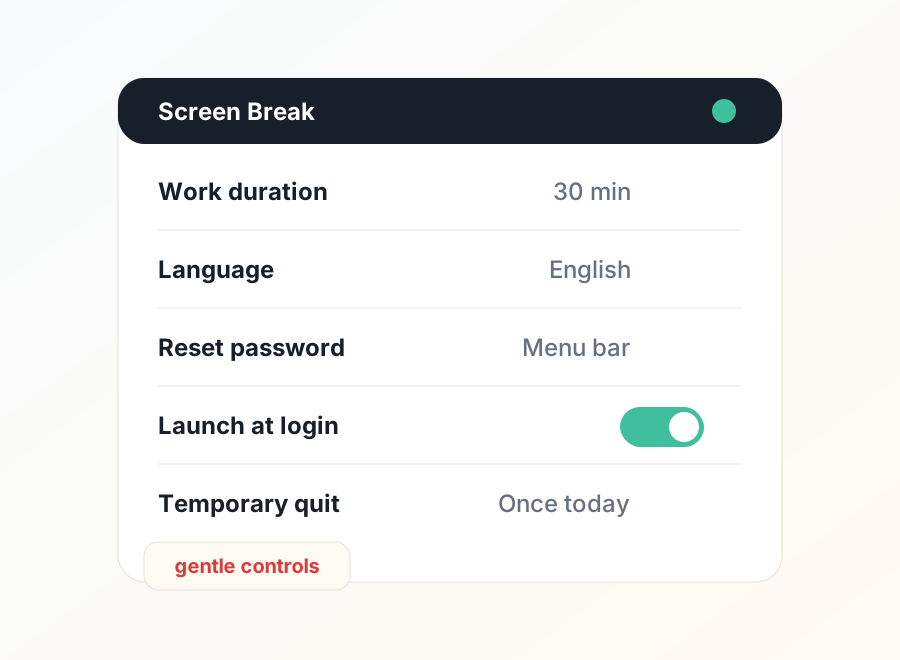
Choose a 30, 35, 40, 45, or 50 minute work session. Keep the default five minute rest. Choose dynamic background, custom wallpaper, or a transparent veil. Rotate actions, turn actions off, or pin one favorite movement.
Languages
Screen Break includes Simplified Chinese, English, Japanese, Korean, Spanish, French, and German UI text.
Privacy
Screen Break runs locally on your Mac. No account is required. Current settings are stored locally in macOS preferences. Anonymous usage stats are enabled by default; you can turn them off from the menu bar. Screen Break sends anonymous product events such as app opens and break completions, not passwords, files, screen contents, or personal identity.
This build is locally signed for testing. macOS may ask you to confirm opening it the first time. A notarized build is planned for broader distribution.